
Douglas County VINELink Coverage
Douglas County lists VINE on its law-services page. The sheriff's victim-resources page covers registration. It explains the steps after a suspect is arrested. The Minnesota Department of Public Safety calls the program Minnesota VINE. It points users to VINELink or to 877-664-8463. Those official channels support county-jail custody searches and alerts.
No Douglas-specific service contract, exact county field map, or guaranteed refresh interval is published. VINE is not a sheriff's mobile app. The sheriff's office lists no local jail-lookup app or app-only booking-photo feed. Its website, jail roster, Records Division, and phone lines remain the separate official channels.
Check a Douglas County Person
Start with the official VINELink service. Select Minnesota before searching. The statewide fact sheet accepts an offender name or ID, and a partial name works too. A broad search can return several matches, so a familiar name alone proves nothing.
- Open VINELink and confirm Minnesota as the selected state.
- Enter the person’s full name or known offender ID.
- Try a partial name or spelling variation when the first search is empty.
- Compare facility, custody status, booking details, and identifier across possible matches.
- Open the matching record and review the timestamp or current status.
- Register a contact method if that result offers notifications.
A result can show current status, facility, booking information or facility ID, and a scheduled release date when available. Dates can change. Treat any date as an estimate, not a promise of the exact moment of release.
Douglas VINELink Result Fields
VINELink tracks custody status, not the whole Douglas County booking file. The statewide materials support the result and registration fields described here, though availability can vary by record.
| Field | How to use it |
|---|---|
| Name or offender ID | Use with other details to distinguish people with similar names. |
| Custody status | A current service snapshot, subject to facility updates. |
| Facility | Shows the reported holding location or system. |
| Booking information or facility ID | Helps compare the result with the county roster. |
| Scheduled release date | Appears when available and may change. |
| Alert channel | Phone, text, email, or in-app options where offered. |
A VINE result is a custody snapshot, not a court disposition. It will not show every change to a charge or guarantee a booking photograph. For the public booking record or image, contact Douglas County Sheriff's Records.
Minnesota VINE Search Screen
The Minnesota DPS VINE page names the statewide service. It also lists the phone channel and separates county custody from other programs.
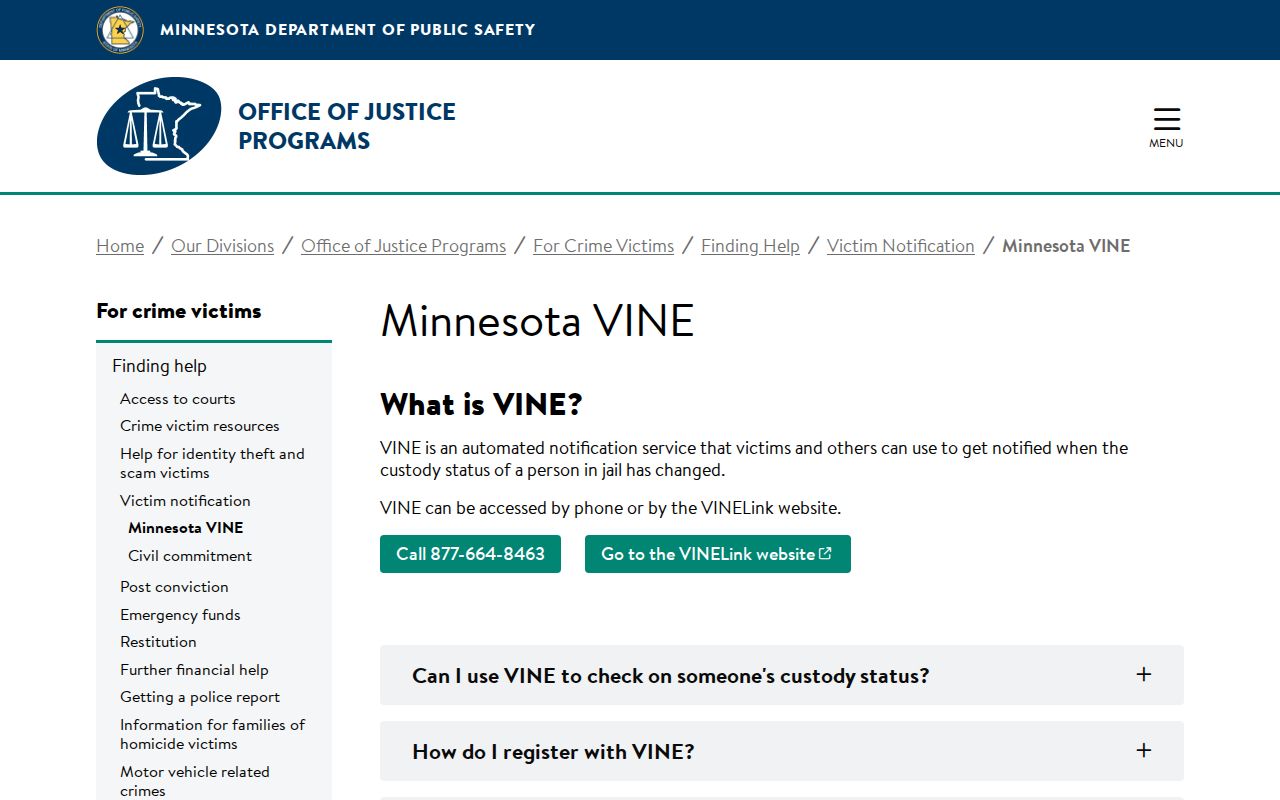
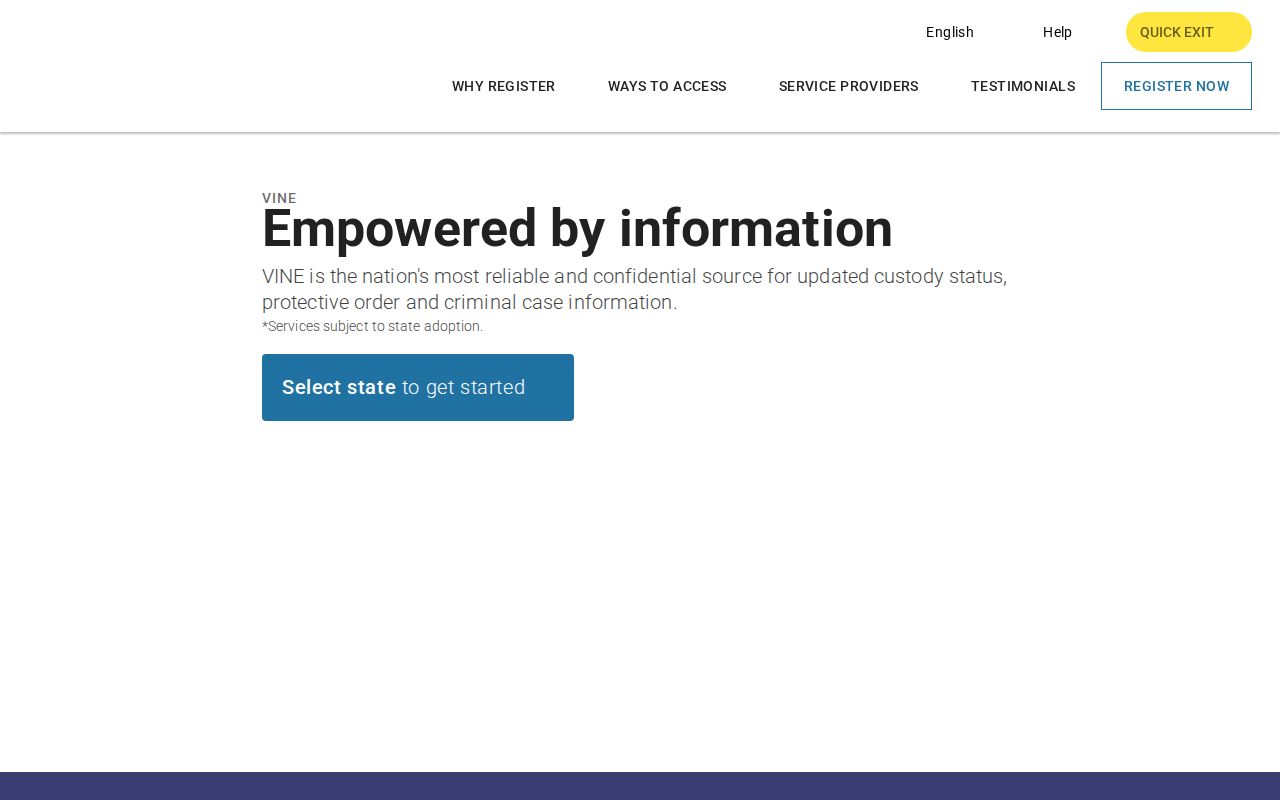
Confirm the notification path first. The state page is the official starting point for that step. The VINELink search and registration service then supplies the live interface for a name or ID query.
The Minnesota DOC public viewer handles state corrections custody. That stage comes after the county jail. It is not part of a VINELink county query, so confirm every match against current Douglas County information.
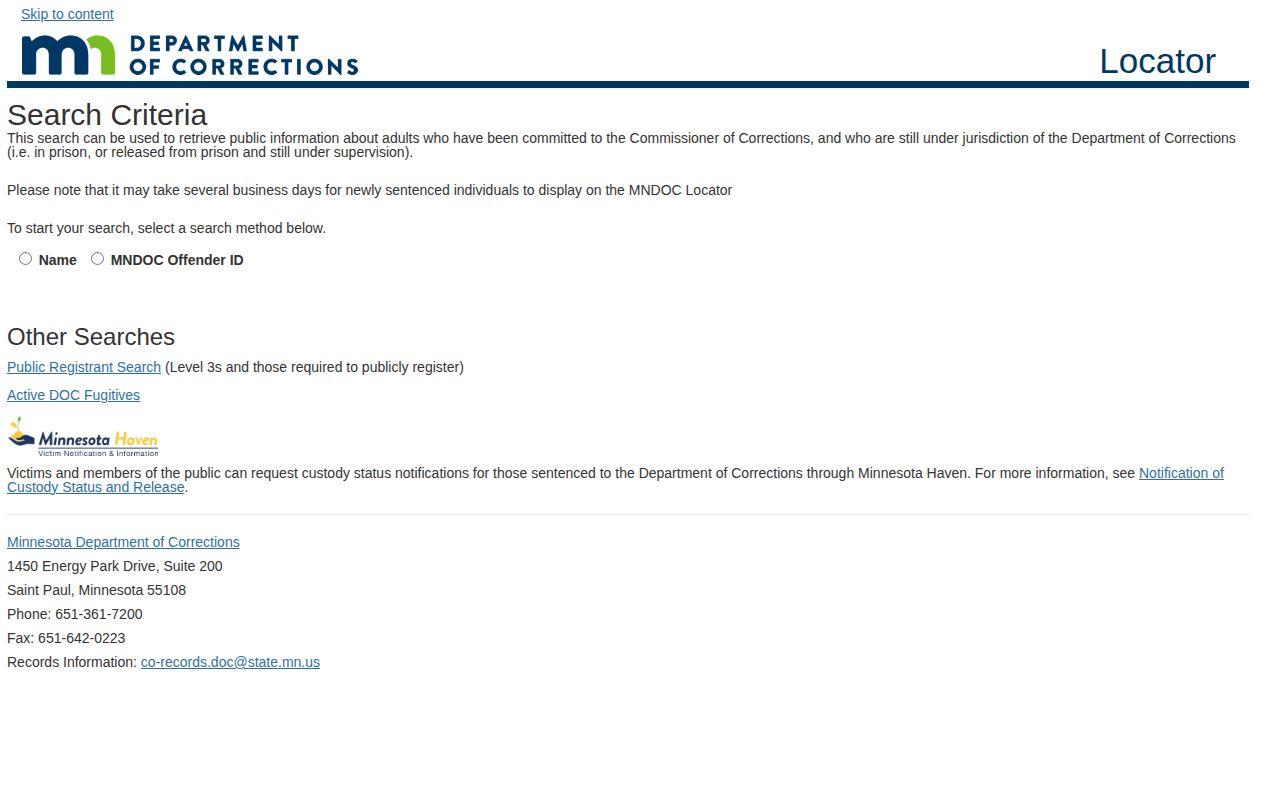
That separation keeps a county-jail VINELink search from being mistaken for DOC coverage.
Register Douglas Custody Alerts
Once the right result is open, pick a notification method. Minnesota materials describe phone, email, text, and in-app options. Phone registration needs a telephone number plus a PIN. The PIN confirms receipt when an automated call arrives, so store it safely and skip anything another person could easily guess.
- Confirm the person and reported facility before choosing registration.
- Select phone, text, email, or an in-app option shown for that record.
- Enter the requested contact detail accurately.
- Create and record a PIN when the phone route requires one.
- Review the alert types and complete registration.
- Update the contact method if the number or address changes.
The service is free, confidential, and always on. State materials list English, Spanish, Somali, and Hmong. An account can unlock online features, though some registration works without one. Alerts may cover release, transfer, escape, or death. The service does not message every charge change or court filing.
Douglas VINE Alert Timing
Phone alerts can repeat. Minnesota materials say they cycle about every 30 minutes for up to 24 hours until the PIN is entered. Text, email, and in-app alerts may be a single message. Delay windows exist too. The documents describe an eight-hour transfer delay and a 12-hour death-notification delay.
These rules govern VINE alerts only. They set no timetable for the Douglas County roster or for when a new booking first reaches the service. The state also cites 15- or 30-minute update schedules. County booking completion still comes first. So treat the statewide cadence as background, never a stopwatch on a fresh arrest.
Note: Keep direct safety plans in place and never rely on one automated alert as the sole warning.
When Douglas Booking Is Missing
Douglas County asks callers to wait one to two hours after the initial arrest. Booking itself can run half an hour to two hours or more. Staff cannot share details before booking finishes. If VINELink comes up empty, check the name-sorted county roster after that window. Read its as-of date, booking date and time, charges, arresting agency, and status.
Still blank? Call the Douglas County Jail at 320-762-2139. Ask whether booking is complete. Also ask whether the person was released, transferred, held for another agency, or kept off the public adult roster. The Daily Arrest Report covers the full same-day sequence.
Need a copy after release? Contact the Records Division at 320-759-6225 or records@co.douglas.mn.us. Provide the full name, approximate booking date, arresting agency, and any case or booking number. A roster or VINE result is no archive.
Custody Systems Beyond VINELink
VINELink only tracks part of the custody picture. Someone just arrested may sit in intake for a while. Once booked at Douglas County Jail, the person appears in VINELink. The jail roster lists that person too. Alerts fire on release or transfer. The lasting booking record lives with the sheriff's Records Division. Custody stages after the county jail move to other systems entirely.
A person committed to Minnesota Department of Corrections custody belongs in the Minnesota DOC public viewer. Victim services move to Minnesota Haven rather than the county-jail VINE branch. The DOC viewer covers state prisoners. It also covers people under state supervision. It is not a tool for finding someone newly booked into Douglas County Jail. Federal Bureau of Prisons, immigration, and U.S. Marshals custody each run on separate systems too. VINELink is not a federal locator. A roster label like DOC or Other Agency is not the final word. It does not show where the person went next. The agency holding the current custody record is the one to confirm with.
Douglas VINE Help Channels
Minnesota VINE posts two help numbers: technical support at 1-866-277-7477 and the state program manager at 651-201-7302. The DPS VINE page offers another route. Support staff can fix search and registration trouble. They cannot change a Douglas County booking record or settle a court issue.
Roster mismatch? Contact the jail or Sheriff's Records. For a hearing or a final outcome, use Minnesota Court Records Online or call Douglas County Court Administration at 320-304-6050. Remote court name searches sometimes skip pending criminal matters, so a case-number search or a courthouse visit may work better. VINE reports custody events only.